Choosing the Right Tool for Spring Development: IntelliJ IDEA vs. Spring Initializr
Increase your technical knowledge through our FSH Infotech Blog section.
We add various blog categories that is related to IT technologies.
You can find more blogs added by our administrator by using the below link. Click here for more blogs
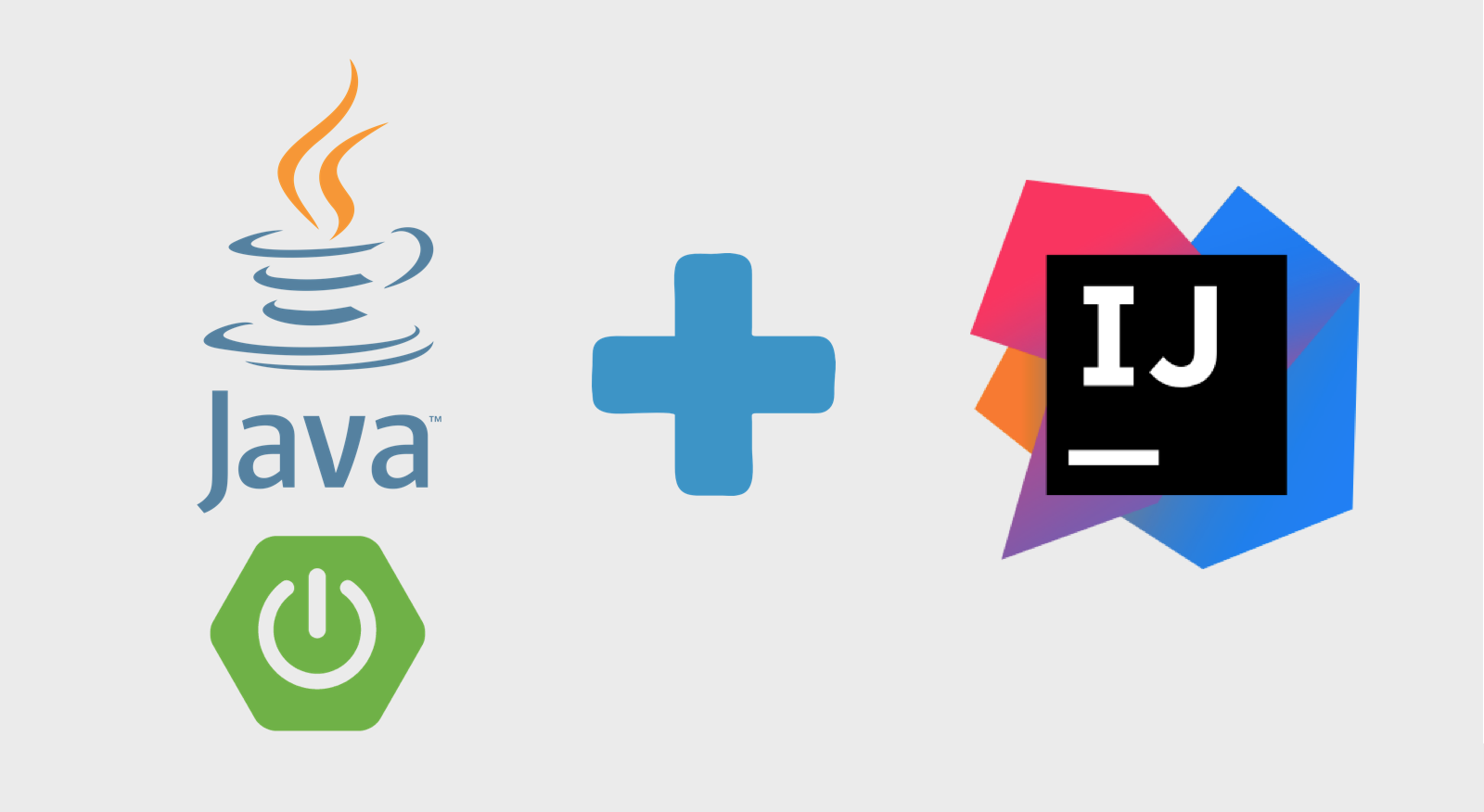
When starting a new Spring Boot project, developers often find themselves using either IntelliJ IDEA or Spring Initializr. But what’s the difference between the two? Are they interchangeable, or do they serve different purposes in your development workflow?
In this blog, we’ll break down what each tool offers, how they complement each other, and how to choose the right one for your development needs.
What Is IntelliJ IDEA?
IntelliJ IDEA is a powerful integrated development environment (IDE) developed by JetBrains. It supports a wide range of languages and frameworks, but it's particularly well-known for its deep integration with the Java ecosystem—including Spring Boot.
Key Features of IntelliJ IDEA:
-
Smart Code Completion: Suggests context-aware code completions.
-
Spring Support: Built-in understanding of Spring annotations, configurations, and beans.
-
Debugger and Profiler: Tools to debug and monitor application performance.
-
Database Tools: Integrated database browser and SQL console.
-
Maven/Gradle Integration: Automatically manages project dependencies.
With IntelliJ, you can write, test, debug, and deploy your Spring application in one place.
What Is Spring Initializr?
Spring Initializr is not an IDE—it's a project generator. It helps you bootstrap a Spring Boot project by creating a pre-configured structure with your desired dependencies.
How Spring Initializr Works:
-
Visit start.spring.io.
-
Choose your project metadata (Java version, group, artifact, etc.).
-
Select dependencies (Spring Web, Spring Data JPA, Thymeleaf, etc.).
-
Generate and download a .zip file of the project.
-
Import it into your IDE (such as IntelliJ IDEA, Eclipse, or VS Code).
Spring Initializr is designed for speed—it lets you skip the manual setup and jump straight into writing code.
IntelliJ IDEA vs. Spring Initializr: What's the Difference?
| Feature | IntelliJ IDEA | Spring Initializr |
|---|---|---|
| Type | Full IDE | Project scaffolding tool |
| Functionality | Development, testing, debugging | Initial project generation |
| Spring Boot Integration | Advanced | Basic (only project structure) |
| Usability | Continuous project lifecycle | One-time setup |
| Plugin/Extension Support | Extensive | None |
| Customization | High | Moderate |
Using Them Together
These tools are complementary, not competitive.
Here’s a common workflow:
-
Use Spring Initializr to scaffold your project with necessary dependencies.
-
Import the project into IntelliJ IDEA.
-
Continue development in IntelliJ, using its powerful features to code, debug, and run your application.
IntelliJ IDEA even includes Spring Initializr functionality within its UI, so you can create Spring Boot projects directly from the IDE—no need to visit a separate website.
Which Should You Use?
-
For beginners or quick prototypes: Spring Initializr is perfect to get up and running fast.
-
For ongoing development and enterprise applications: IntelliJ IDEA is the go-to choice for its robustness and Spring-specific features.
-
Best practice: Use both—start with Spring Initializr, and continue with IntelliJ IDEA for a smooth, efficient development experience.
Final Thoughts
In the Spring Boot world, both IntelliJ IDEA and Spring Initializr play critical roles. One kickstarts your project, and the other powers your journey through coding, debugging, and deployment.
Choosing the right combination of tools will significantly boost your productivity and code quality—so leverage both, and let Spring development be a breeze.